
Gmail Inbox
v0.3.0A front desk for your business inbox. Who is waiting on you, what you are owed, and which bills are due.
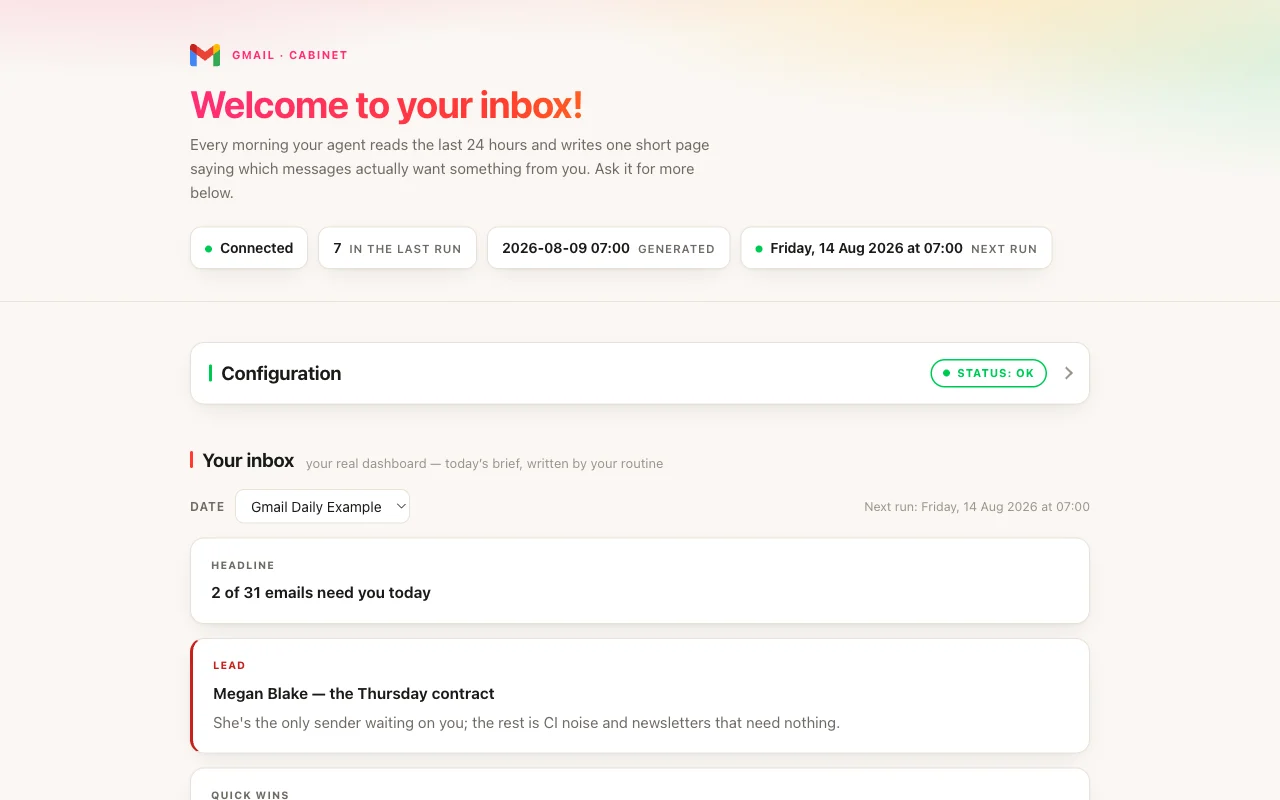
Gmail Inbox
agents
Front Desk
.agents/inbox-summarizer/
Friday check
0 16 * * 5
Morning inbox sort
0 7 * * *
1
Agents
2
Jobs
1
Depts
3
Pages
Reads the business's Gmail every morning and pulls out who is waiting on an answer, quotes and invoices, and bills to pay.
Gmail Inbox
A front desk for your business inbox. Every morning at 7 it pulls out:
- Waiting on you: leads and customers who need an answer, most urgent first, with replies already drafted in your voice.
- Quotes and invoices: what you're owed, what's overdue, and quotes with no answer yet.
- Bills to pay: what's due and when, and payments that failed.
Newsletters and ads are set aside and counted. The Ideas on the front desk go further: list every new lead this week, see which invoices are overdue, build your customer list from your email, or send your partner a weekly summary. Each one is a tap, now or on a schedule.
To start
Open the Front desk and press Connect Gmail. It takes a minute or two, and Cabinet shows you each step. Until then the front desk shows a made-up business, clearly marked.
For now Gmail works in the Cabinet app on your computer. It can't be connected on Cabinet Cloud yet.
It only reads
Your front desk never sends, deletes or moves anything in Gmail. When you want to answer, it writes the reply in the chat, and nothing goes out without your OK.
Inside
- Front desk: the app this cabinet opens on, and what you told it about the business.
- Reports: one page per morning, the Friday list of who is still waiting, and the lists you ask for, like your customer list.
$ git clone --filter=blob:none --sparse https://github.com/cabinetai/cabinets.git && cd cabinets && git sparse-checkout set gmail-inbox