
Job Hunt
v0.1.0One folder per application, one page showing the whole hunt — and a clerk who never lets a follow-up slip.
Job Hunt
agents
Application Clerk
.agents/application-clerk/
Morning Pipeline Check
0 9 * * 1-5
1
Agents
1
Jobs
1
Depts
5
Pages
Keeps the applications folder honest — flags what's gone quiet, preps what's coming, drafts letters on request. Never sends anything.
Job Hunt
One file per application, one page showing the whole hunt — and a clerk who never lets a follow-up slip.
How it works
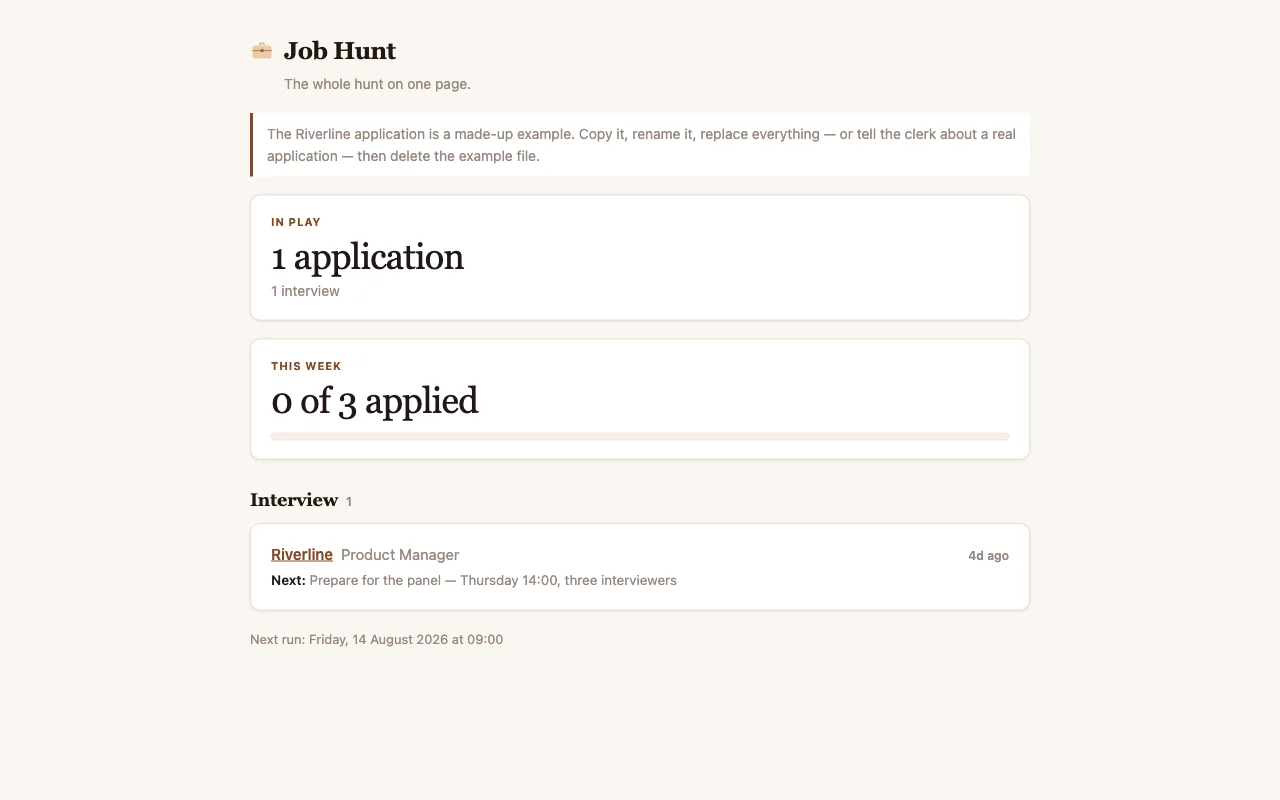
Every job you apply for gets one file in the applications folder — company, role, where it stands, and your notes. The Pipeline app reads that folder and shows the whole hunt on one page: what's live, what's waiting on them, what's gone quiet.
Each weekday morning the clerk walks the folder and keeps it honest: anything that has sat in Applied for a week gets flagged with a suggested follow-up, and anything with an interview coming gets a short prep note. It writes its findings into each application's Log — your own notes are never touched.
Adding an application
Two ways, both fine:
- Tell the clerk. Open the chat and say "I applied to Riverline for the product manager role today" — it creates the file, filled in.
- Copy the example. Duplicate
EXAMPLE-riverline-product-manager.mdin the applications folder, rename it, and change the answers.
When something happens — they wrote back, you got an interview, they went quiet —
either tell the clerk or edit the file's state line yourself. The page redraws from
the folder, so the folder is always the truth.
Your CV lives here too
Drop your current CV and cover letters into the cv folder. When you ask the clerk to draft a cover letter or tailor your CV for one of the applications, it works from what's in that folder — and saves drafts there, never over your originals.
The score
Open setup.md and set your weekly goal — the goal: 3 line. The Pipeline page
keeps the score: how many applications went out this week against that number, and
how many weeks in a row you've kept at least one moving. Small honest goals, met
most weeks, is how hunts actually end.
What's inside
- Application Clerk — the one agent. Keeps the folder honest, drafts follow-ups, preps interviews.
- Morning Pipeline Check — the one routine. Runs at 09:00 every weekday.
- Pipeline — the one page. The whole hunt, grouped by where things stand, with the week's score at the top.
- applications/ — one file per application. cv/ — your CV and letters.
- setup.md — your goal and your non-negotiables.
$ git clone --filter=blob:none --sparse https://github.com/cabinetai/cabinets.git && cd cabinets && git sparse-checkout set job-hunt